If you’re a property agent in Nigeria, you already know the reality: juggling listings across WhatsApp, chasing clients for feedback, managing payments manually, and trying not to miss serious leads in the middle of everything else you’re doing. It’s stressful, time-consuming, and honestly… outdated.
That’s exactly why the Krent App Limited exists.
🚨 December Exclusive Deals Are Here! 🚨
Hurry, limited slots available! Packages are selling out fast!
Book your staycation today and save BIG on our top packages.
Bronze Package (3 days) Limited Slots
4 Bedroom Shortlet🏠 Location: Lekki, Victoria Island, Ikoyi
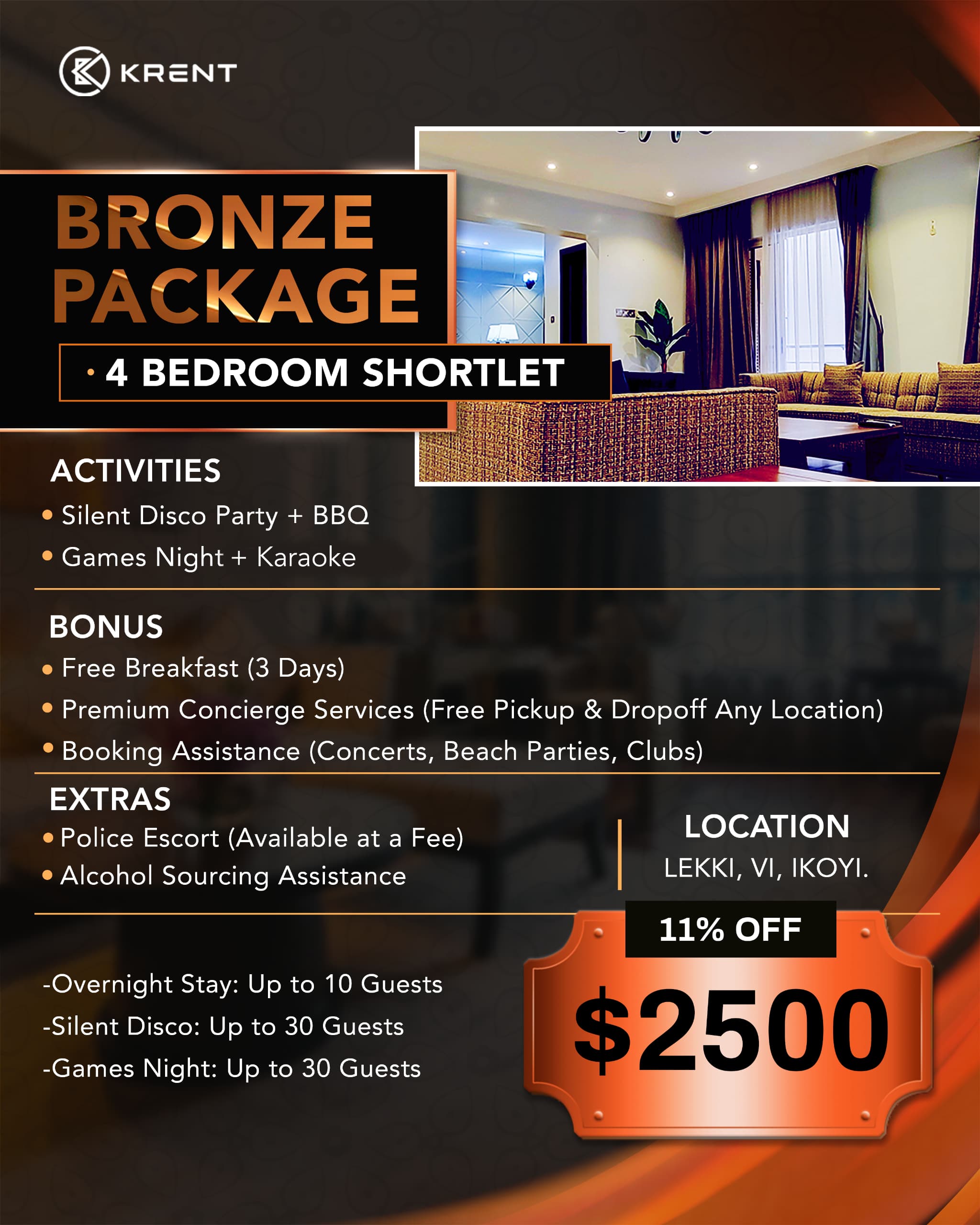
Enjoy a weekend getaway with Silent Disco, BBQ Night, and Free Breakfast.
Only $2,500 $3,000
Silver Package (5 days) Limited Slots
Luxury 4 Bedroom Shortlet🏠 Location: Lekki, Victoria Island, Ikoyi
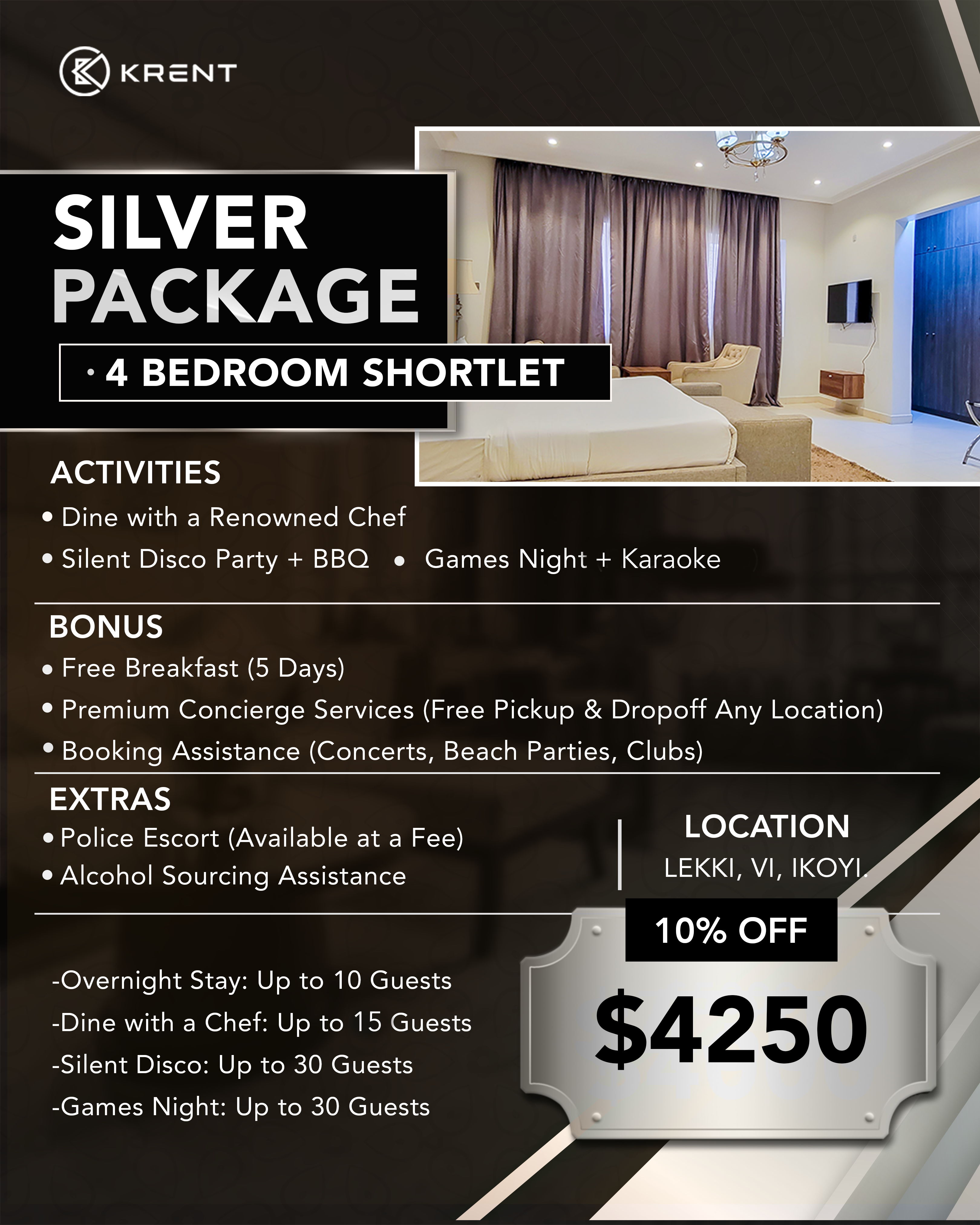
Includes chef dining, Silent Disco, BBQ Night, and premium concierge services.
Only $4,250 $5,000
Gold Package (7 days) Limited Slots
Exclusive 4 Bedroom Shortlet 🏠 Location: Lekki, Victoria Island, Ikoyi
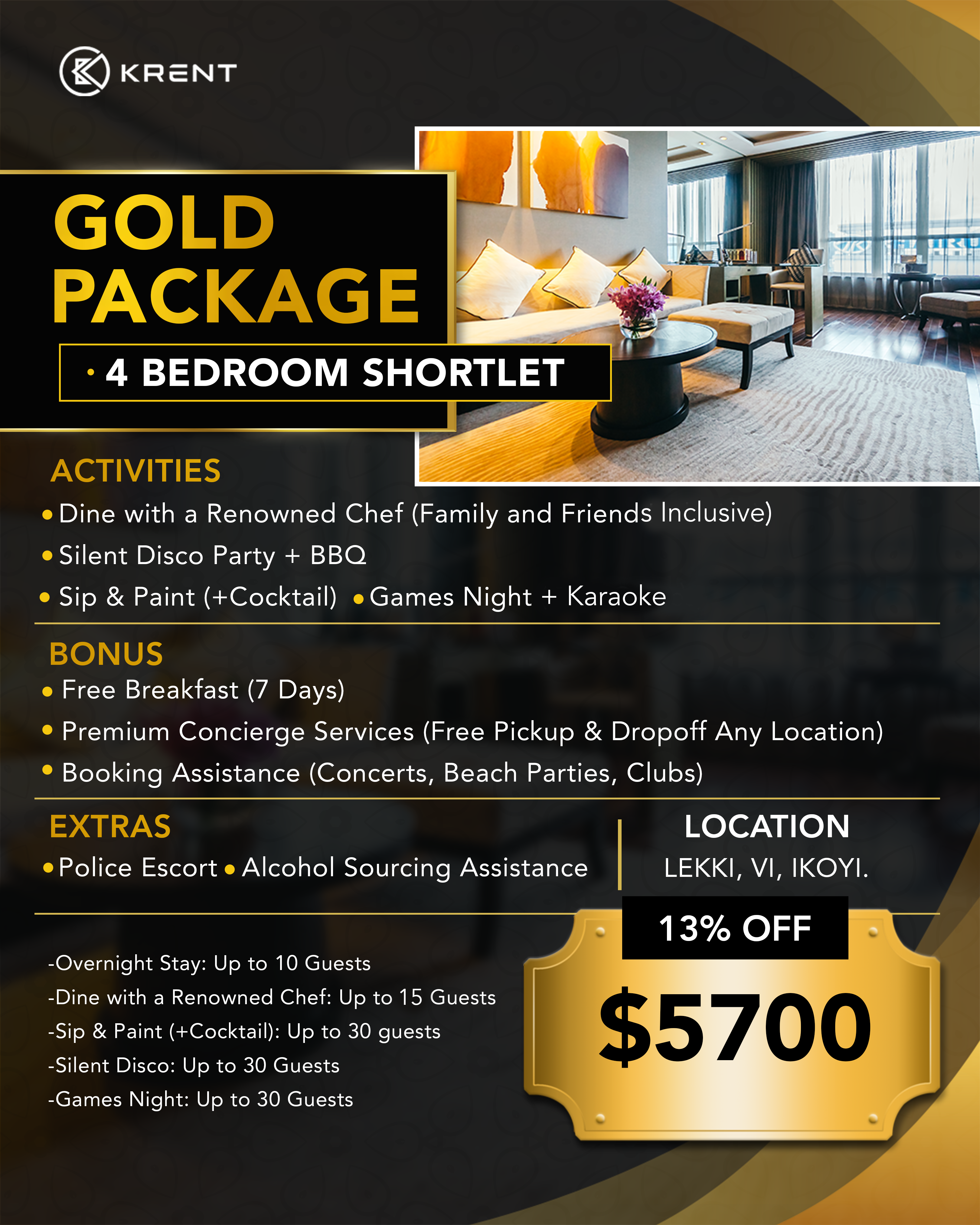
Luxury at its finest with chef dining, Sip & Paint, Silent Disco, and VIP bookings.
Only $5,700 $6,000
Krent was built to make life easier for agents—whether you handle shortlets, rentals, or property sales. This guide walks you through everything you need to know, step by step, so you can confidently use the Krent app to list properties, manage requests, receive payments, and stay on top of your business without unnecessary stress.
Why Agents Are Moving Their Listings to Krent
Before we dive into how the app works, here’s what makes Krent different from the usual platforms:
Krent is a real estate platform in Nigeria. Whether you're looking to buy, rent, or short let a house, apartment, land, or commercial space, check out our listings. You can also request specific properties.
You can list shortlets, rentals, and properties for sale in one place
Clients can request virtual tours directly
Interested renters or buyers contact you without middlemen
Payments, caution fees, and booking extensions are handled securely
You get a clear dashboard showing everything you’ve published
Now, let’s break it all down.
Getting Started: Your Agent Dashboard
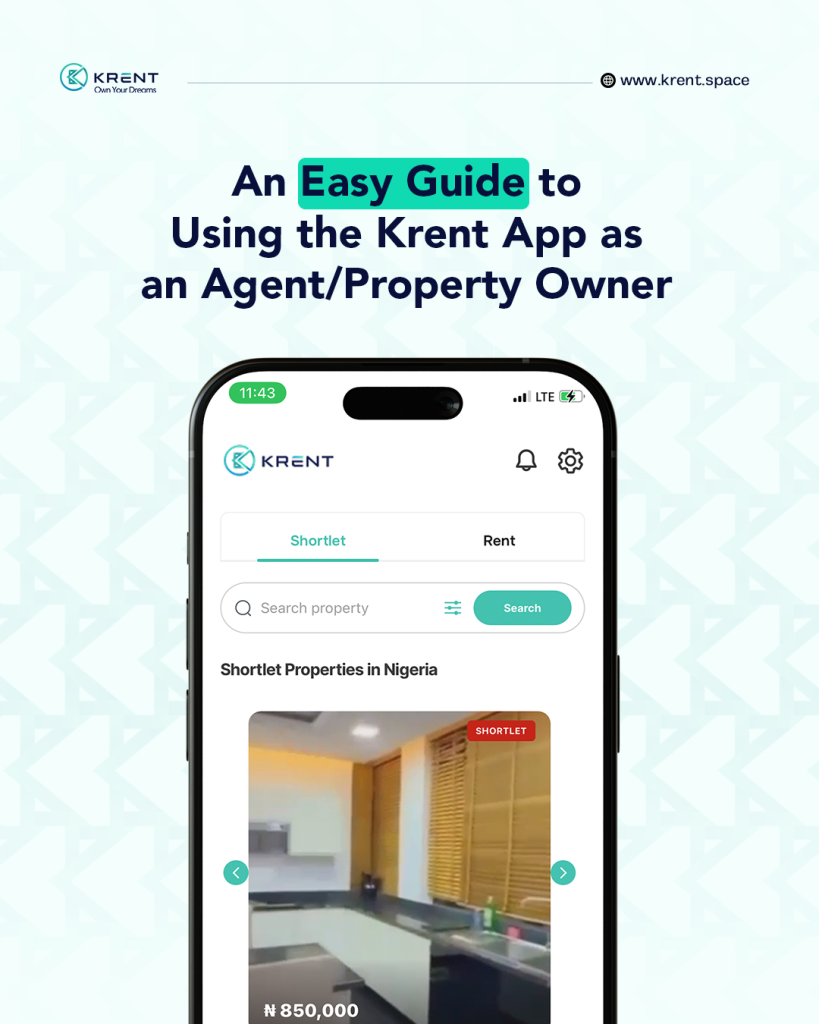
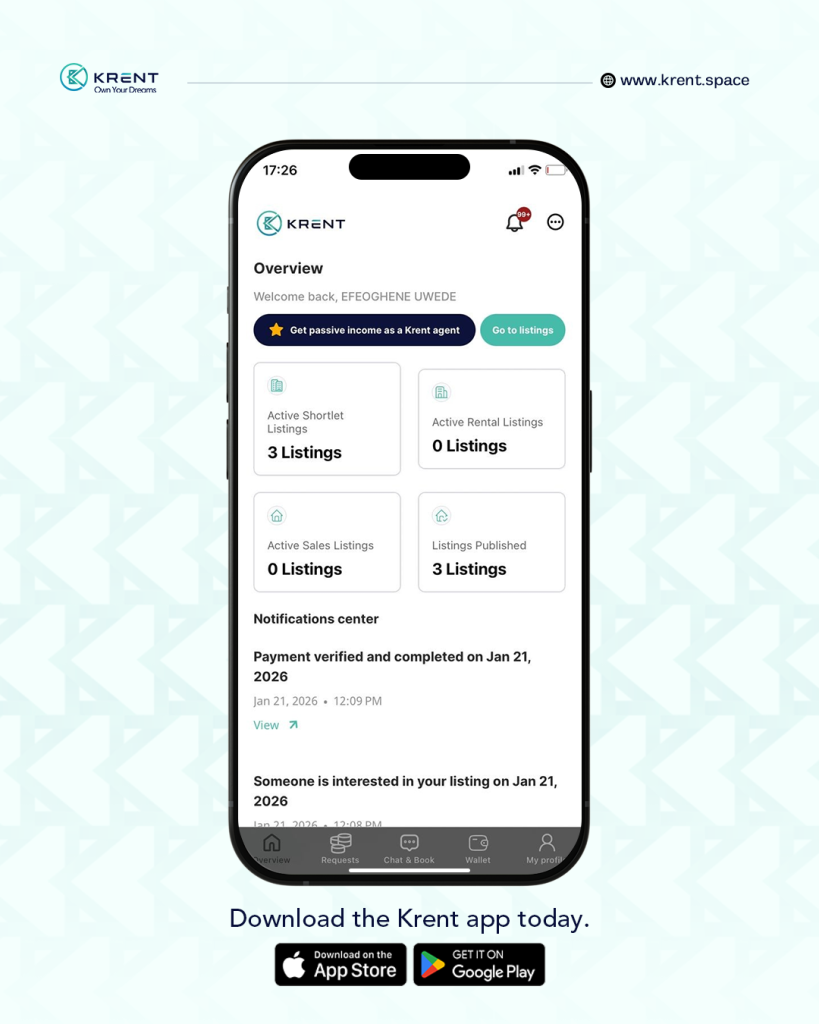
Once you sign in to the Krent app, you’re taken straight to your dashboard. Think of this as your control center.
Here, you can:
See all your active listings
Track requests and bookings
Monitor payments and wallet balance
Switch easily between shortlet and rental listings
Everything you publish on Krent lives here—no guessing, no scrolling through old chats.
Listing Properties Made Simple
Create Shortlet, Rental, or Sales Listings
With Krent, you don’t need separate platforms for different property types.
You can:
Create shortlet listings
Publish rental properties
List properties for sale
If you manage more than one category, you can switch between shortlet and rental listings instantly—no need to log out or create multiple accounts.
Each listing allows you to:
Add property details
Upload photos
Set pricing
Define house rules
Keep availability updated
Virtual Tour Requests: Less Stress, More Serious Leads
Instead of endless back-and-forth messages, Krent allows users to request virtual tours directly from your listing.
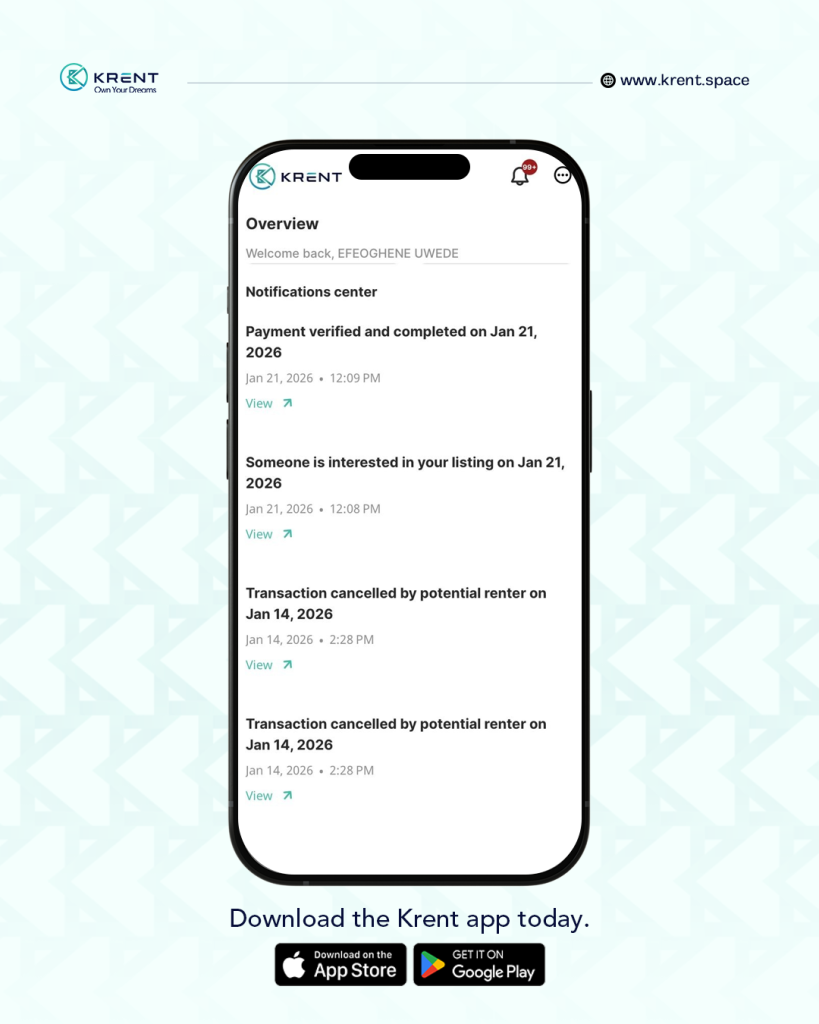
When a user clicks the “I’m Interested” button:
You get notified instantly
The request appears in your Requests section
You can respond and coordinate directly on the app
This means fewer unserious inquiries and more intentional prospects.
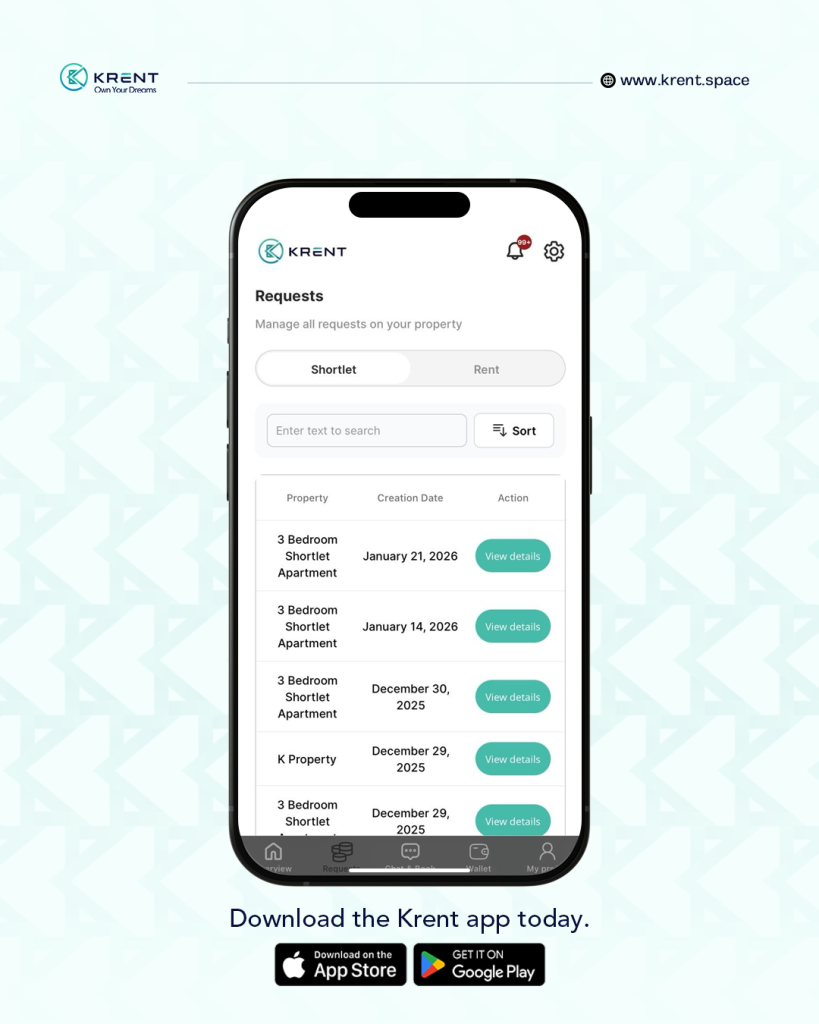
Requests Section: Never Miss an Opportunity
The Requests section shows you every single interest placed on your properties.
You’ll see:
Requests for rentals
Shortlet booking interests
Virtual tour requests
Booking extension requests
For example:
If a guest is already staying in your shortlet and wants to extend their stay, the request comes straight to your dashboard—no confusion, no missed messages.
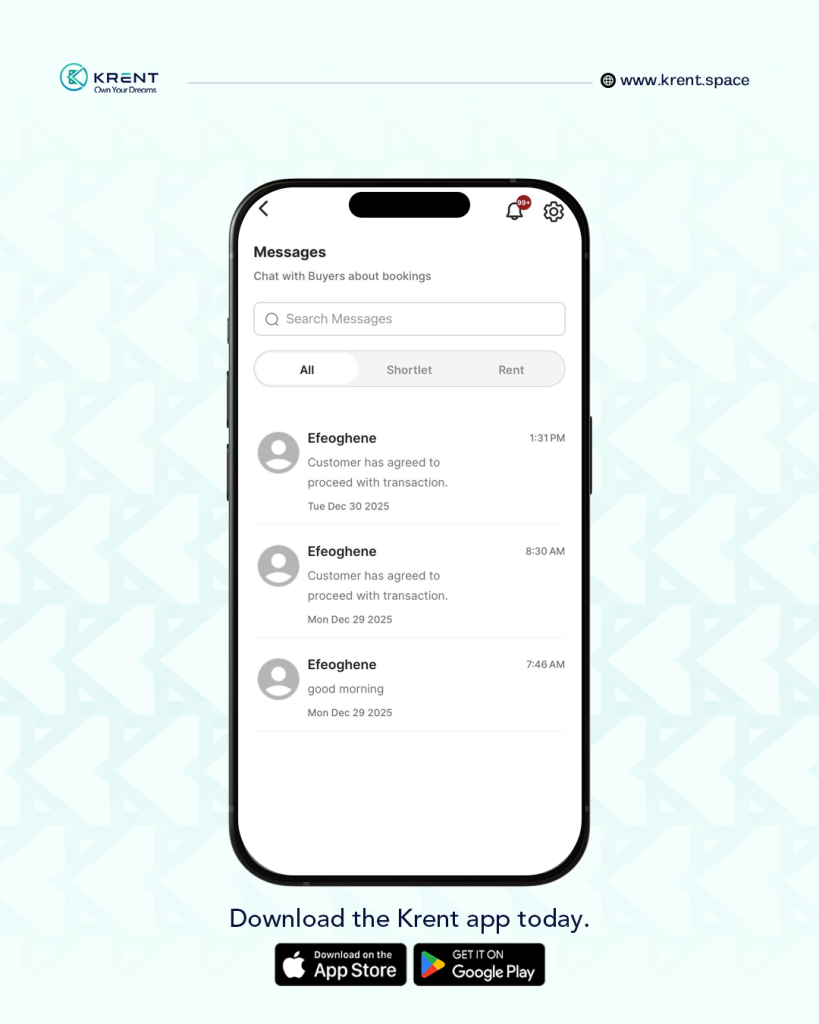
Messaging: Chat Directly With Buyers and Renters
Once a user shows interest in any of your properties, a chat automatically opens.
Inside the Messages section, you can:
Talk directly with renters or buyers
Answer questions
Clarify details
Finalize next steps
Everything stays on the Krent platform, keeping communication clear and traceable.
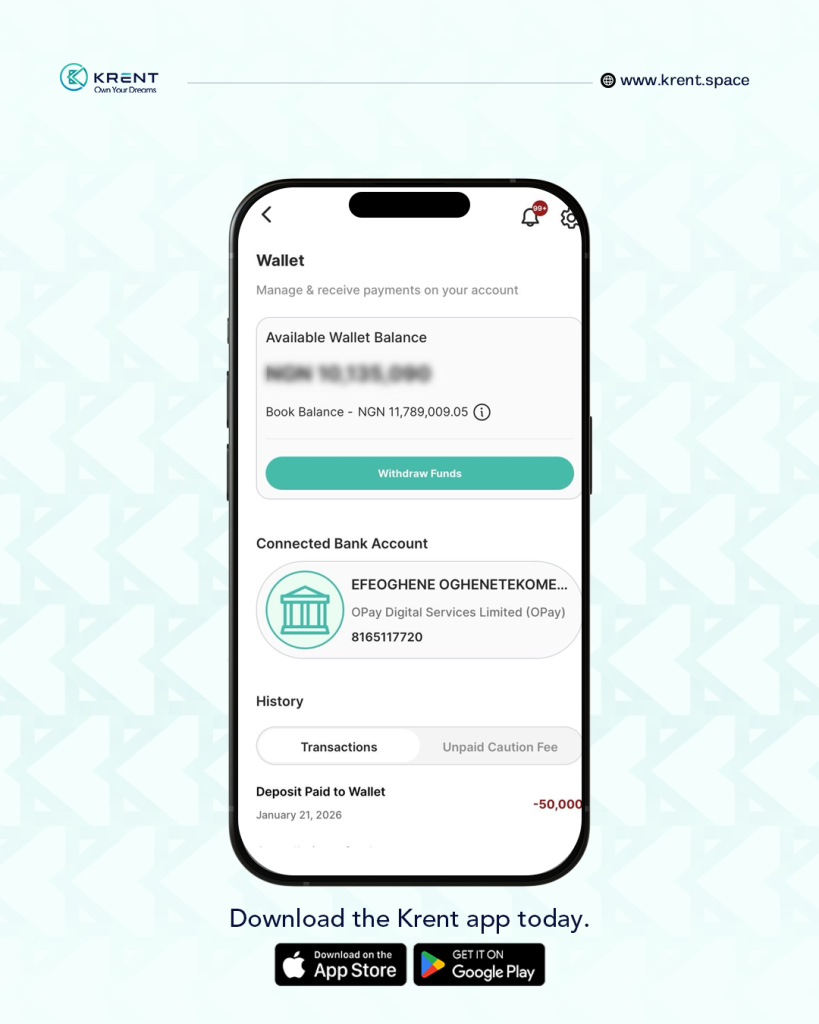
Wallet & Payments: Everything in One Place
One of the biggest advantages of using Krent is how payments are handled.
Inside your Wallet, you can:
View your available wallet balance
Withdraw funds
Connect your bank account
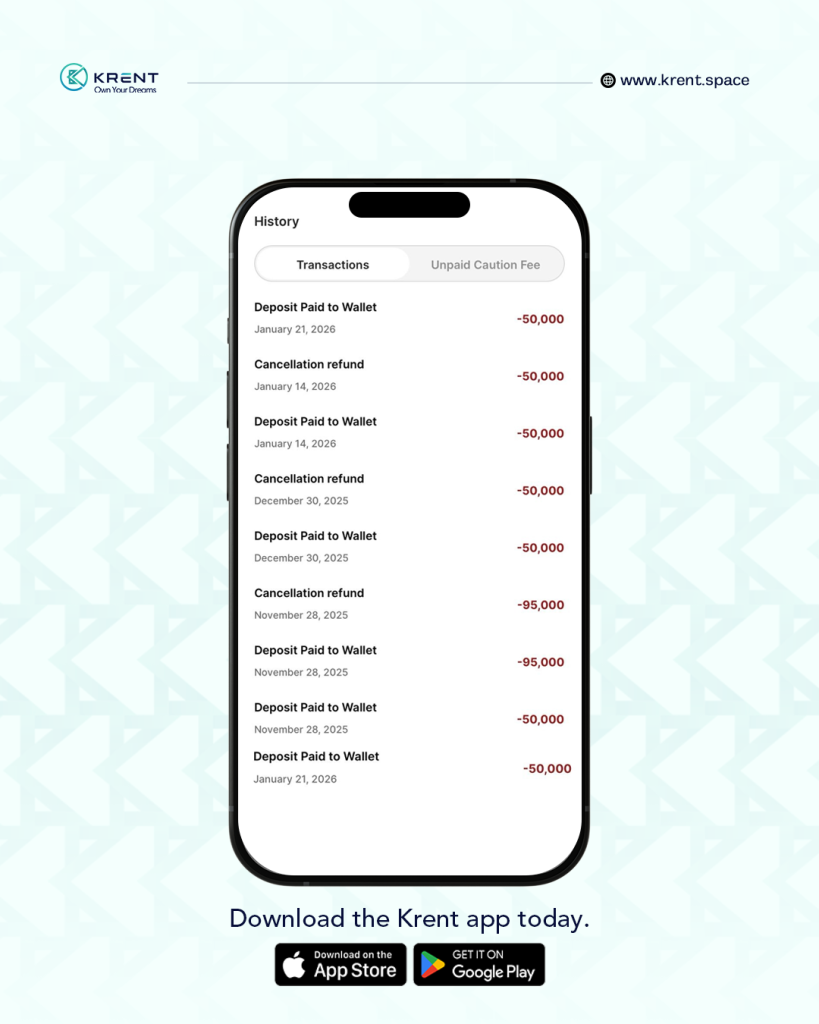
Track transaction history
You’ll also see:
Ongoing shortlet transactions
Any caution fees currently on hold
Released payments after successful check-ins
No chasing payments. No unclear records.
Profile Section: Let Clients Know Who You Are
Your Profile section allows you to edit and manage your details at any time.
Here, you can update:
Your name and contact information
Address
A short “About You” description
For example:
“I’m a property agent with over 5 years of experience managing rentals and shortlets across Lagos. I prioritize transparency, quick response times, and smooth transactions.”
This helps build trust with potential clients before they even message you.
Completing Your KYC: Why It’s Important
If you’re new to the app, you’ll notice a pop-up asking you to complete your KYC.
This step is very important.
Why KYC Matters
It verifies your identity as an agent
Transactions cannot start without it
It protects both you and your clients
To complete KYC:
Tap the “Add KYC” button in the pop-up
Upload the required details
Submit for verification
Once approved, you’re fully cleared to transact on Krent.
Push Notifications: Stay Updated Even When You’re Busy
We know agents are always on the move. If you don’t want to keep checking the app constantly, push notifications have you covered.
What Are Push Notifications?
They’re instant alerts sent to your phone whenever:
Someone shows interest in your property
A booking is made
A guest requests an extension
A message comes in
How to Enable Push Notifications
Tap the menu icon (three horizontal lines) at the top right of your screen
Go to Settings
Select Push Notifications
Turn it on
Now, you’ll never miss an important update.
Settings: Security, Preferences & Support
Inside Settings, you’ll find several useful options:
Transaction PIN
Adds an extra layer of security to your account
Required for sensitive actions
Never share this PIN with anyone
Login & Security
Change your password
Manage account security
Preferences
Select your preferred language
Set your currency
Adjust your time zone
Support
Find answers to common questions
If you need more help, fill out the support form to chat directly with the Krent support team
Why Krent Works for Agents
The Krent app isn’t just another listing platform. It’s built to help agents:
Work smarter, not harder
Manage multiple property types easily
Get notified instantly about real interest
Receive payments securely
Reduce dependency on scattered tools and chats
If you’re serious about growing your property business and simplifying your workflow, Krent gives you the structure and visibility you need—all in one app.
Download the Krent App today, complete your KYC, and start managing your listings the smarter way.
Ready to Get Started?
Getting started on Krent is simple and takes just a few minutes.
If you’re using an Android device:
Go to the Google Play Store and search “Krent App Limited.”If you’re using an iPhone:
Go to the Apple App Store and search “Krent App Limited.”
Download the app, create your account, complete your KYC, and start listing your shortlets, rentals, or sales properties right away.
If you have questions along the way, you can always reach out through the in-app Support section or send us a message on 09118008008.
We’re here to help you every step of the way.